
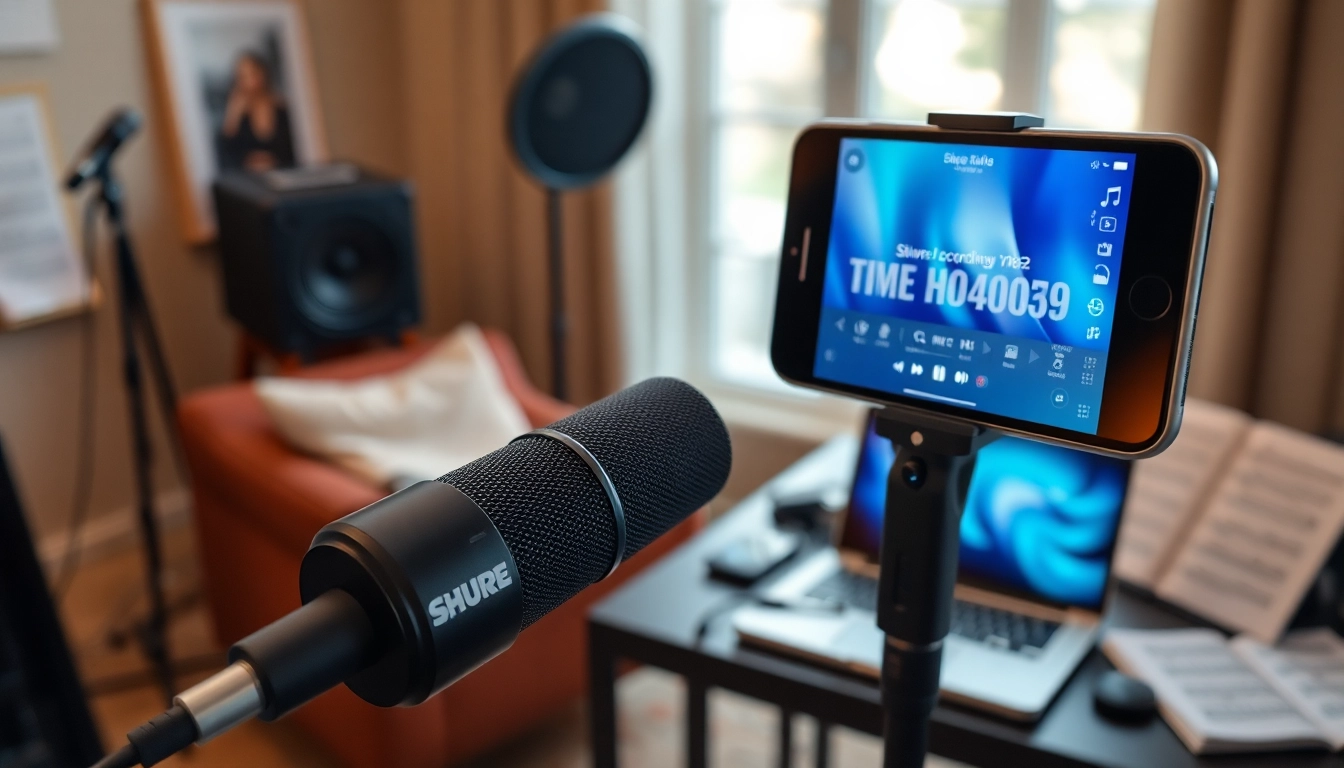
Introduction to the MV88 Microphone
In today’s fast-paced digital landscape, the demand for high-quality audio recording on mobile devices has surged. Among the myriad options available, the MV88 stands out as a premier choice for aspiring musicians, podcasters, and content creators alike. This compact and powerful microphone was designed to connect directly to iOS devices, offering unparalleled convenience without sacrificing audio quality. With its professional-grade features and user-friendly design, the MV88 empowers users to capture crystal-clear sound in various environments, from intimate home studios to bustling outdoor settings.
What is the MV88 and Its Key Features?
The Shure MV88 is a digital stereo condenser microphone that provides a straightforward solution for those seeking quality audio recording with their mobile devices. Some key features include:
- Mid-Side Configuration: The MV88 utilizes a unique mid-side (MS) stereo design, featuring two capsules that can be adjusted for the desired stereo width. This provides enhanced spatial audio reproduction, making it ideal for various recording scenarios.
- iOS Compatibility: Designed specifically for Apple’s iOS devices, the MV88 connects via the Lightning port, ensuring seamless integration with various applications.
- Adjustable Audio Settings: Through the ShurePlus Motiv app, users can modify gain levels, choose from several preset equalization settings, and even apply compression, catering to a wide range of recording needs.
- Compact and Portable: Its lightweight design allows for easy transport, making it perfect for musicians and videographers on the go.
Why Choose the MV88 for Mobile Recording?
Mobile recording has never been more crucial, and the MV88 rises to the occasion with its compelling features:
- Versatility: Whether you are recording vocals, instruments, or podcasts, the MV88’s adjustable stereo image and high-quality audio capture allow it to perform exceptionally well across various formats.
- User-Friendly Interface: The microphone is easy to set up and use, catering to professionals and amateurs alike. Its app provides intuitive controls that simplify the recording process.
- Durability: Built with a robust metal housing, the MV88 is designed to withstand the wear and tear that comes with regular use while still maintaining optimal performance.
Comparing MV88 to Other Microphones in 2025
As technology advances, various competitors have emerged in the portable microphone market. Comparing the MV88 to other popular options highlights its unique strengths:
- Shure MV7: While the MV7 is an exceptional microphone tailored for studio recording, it lacks the mobility of the MV88, which can be easily transported and utilized for spontaneous recording sessions.
- Rode VideoMic Me-L: This microphone targets the videography niche but may not offer the same sound quality or versatility as the MV88 in musical or vocal applications.
- Zoom H1n Handy Recorder: This handy recorder provides impressive audio quality; however, its bulkiness makes it less ideal for mobile use compared to the sleek MV88.
Setting Up Your MV88 for Optimal Performance
Essential Equipment for Using MV88
To maximize the MV88’s performance, ensure you have the following equipment:
- Compatible iOS Device: The MV88 connects directly to devices with a Lightning port, so ensure your iPhone or iPad is compatible.
- ShurePlus Motiv App: Download this app to access advanced features like audio processing and gain control.
- Windshield (Optional): If recording outdoors, a windshield can help reduce wind noise and enhance audio clarity.
Step-by-Step Setup Guide for Beginners
Getting started with your MV88 is a simple process:
- Connect the MV88: Plug the microphone into your iOS device’s Lightning port.
- Install the ShurePlus Motiv App: Download the app from the App Store, which will enable you to access various recording settings.
- Adjust Your Settings: Open the app, set your gain levels, and choose an appropriate preset equalization setting based on your recording type.
- Start Recording: Begin capturing high-quality sound by pressing the record button within the app.
Best Practices for Audio Quality Enhancement
Improving audio quality involves both hardware and technique:
- Distance and Placement: Maintain an appropriate distance from the sound source to avoid distortion and capture clearer audio.
- Environment Considerations: Choose a quiet space for recording, minimizing background noise whenever possible.
- Monitor Audio Levels: Keep an eye on audio levels during recording, ensuring they stay within the optimal range to avoid clipping.
Recording Techniques with the MV88
Capturing Vocals: Tips and Techniques
When recording vocals with the MV88, consider the following techniques:
- Microphone Positioning: Place the microphone about 6-12 inches away from the vocalist to capture the full tone while minimizing plosive sounds.
- Use of Pop Filters: If available, a pop filter can mitigate the impact of plosive sounds and further enhance audio clarity.
- Warm-Up Exercises: Encourage vocalists to perform warm-up exercises before recording to achieve the best sound quality.
Using MV88 for Instruments and Live Performances
The MV88 excels at capturing live performances, particularly with instruments:
- Placement Techniques: For guitars, position the microphone near the sound hole for a fuller sound, while for drums, place it overhead to capture the entire kit’s ambiance.
- Live Adjustments: Use the ShurePlus Motiv app to make real-time adjustments, ensuring your sound remains consistent throughout the performance.
- Practice Makes Perfect: Encourage practice sessions with the MV88 to familiarize performers with the microphone and optimize sound capture.
Exploring Unique Sound Capturing Methods
The MV88’s capabilities extend beyond conventional techniques:
- Field Recording: Utilize the MV88 to capture sounds in nature or urban environments, focusing on unique auditory experiences.
- ASMR Recording: Due to its sensitivity, engage in ASMR recordings to exploit subtle sounds that the MV88 can pick up.
- Interviews: Use the directional capabilities to conduct interviews in noisy environments while focusing solely on the subject’s voice.
Editing and Producing Audio from MV88 Recordings
Software Options for Editing MV88 Audio
Post-production is vital for enhancing your recordings. Popular software options include:
- Audacity: A free, open-source software that allows for comprehensive audio editing while being user-friendly.
- Adobe Audition: A more advanced option that provides powerful editing tools and effects, suitable for professional-grade production.
- GarageBand: Ideal for Mac users, GarageBand offers an intuitive interface tailored to musicians for mixing and refining audio tracks.
Basic Editing Techniques for Clearer Sound
Follow these editing techniques to ensure professional-sounding audio:
- Noise Reduction: Utilize noise reduction tools to minimize unwanted background sounds for a cleaner recording.
- Equalization: Adjust frequencies to enhance clarity, ensuring vocals stand out without overpowering instruments.
- Compression: Apply compression to control dynamic range, making soft sounds more audible while preventing louder sounds from distorting.
Advanced Production Tips for Professionals
For those looking to elevate their production quality, consider these advanced tips:
- Layering Sounds: Experiment with layering multiple tracks to build a richer audio texture, mixing and matching instruments with vocal lines.
- Using Effects: Employ effects like reverb and delay to create depth and space in your recordings, enhancing the overall listening experience.
- Mastering Techniques: Invest time in mastering your tracks, ensuring consistency and quality across all platforms and playback devices.
Future Trends in Mobile Audio Recording
Emerging Technologies for 2025 and Beyond
As we look to the future, several trends are shaping mobile audio recording:
- Smart Microphones: The rise of voice recognition technology is leading to the development of smart microphones that can adjust settings automatically based on the environment.
- Increased Integration: Microphones are becoming increasingly integrated with smartphone applications, allowing users to control multiple parameters directly from their devices.
- Higher Quality Audio Standards: As consumer expectations grow, manufacturers are focusing on higher fidelity standards for mobile microphones, pushing the envelope in audio quality.
The Role of AI in Audio Quality Improvement
Artificial intelligence is also poised to play a significant role in audio recording:
- AI-Driven Editing: Automated editing tools powered by AI can assist users in quickly enhancing their audio quality, making professional editing accessible to everyone.
- Sound Recognition: AI can analyze audio patterns, allowing microphones to auto-adjust their settings based on the type of sound or environment.
- Real-Time Processing: Future advancements may enable real-time processing features within microphones, allowing on-the-fly adjustments for optimal sound capture.
Market Predictions for Portable Microphones
Looking ahead, several predictions are emerging for the portable microphone market:
- Increased Demand: The growth of content creation platforms will continue to fuel demand for high-quality portable microphones that can meet diverse needs.
- More Options for Compatibility: Expect to see a rise in universal microphones that cater to various devices, including Android smartphones and tablets.
- Continuous Innovation: Companies will strive to innovate, introducing features that enhance usability, sound quality, and portability, pushing the boundaries of what mobile audio can achieve.