
Understanding VPN Routers for Home
What is a VPN Router?
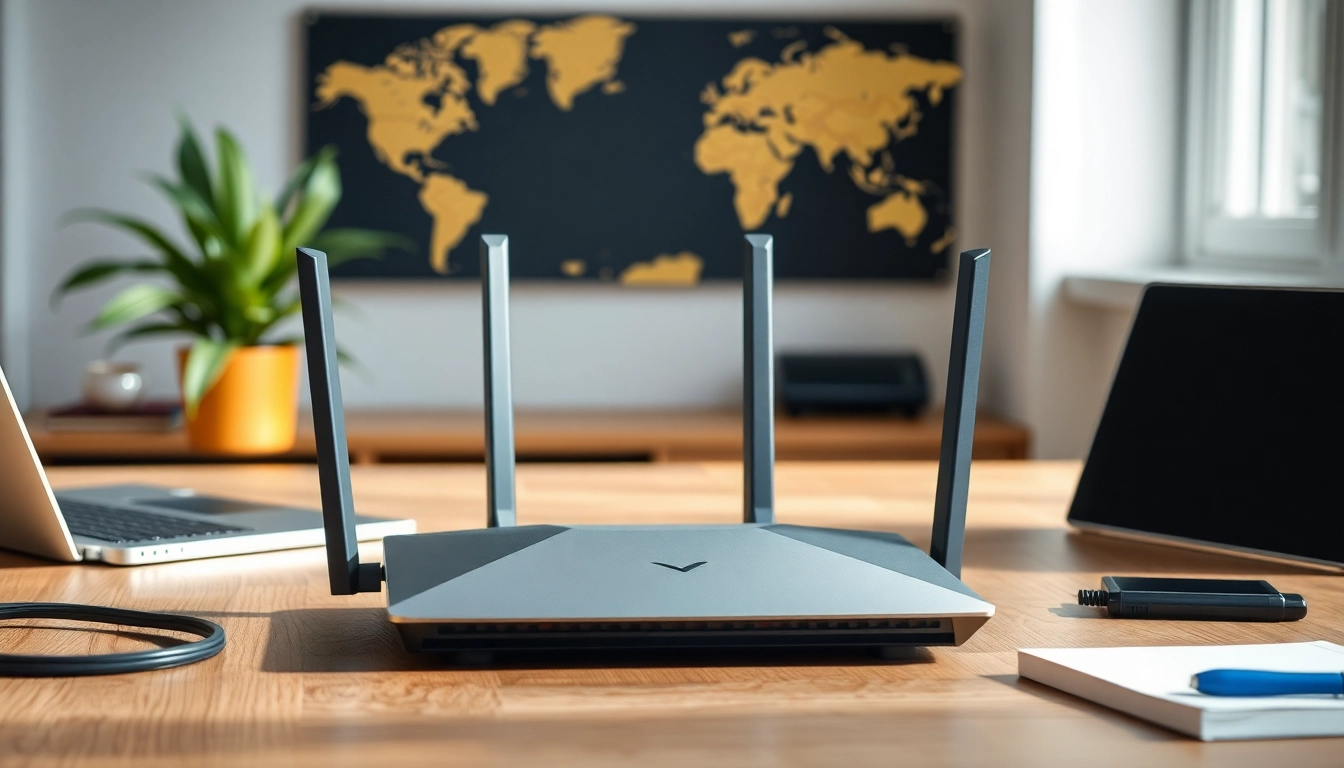
A VPN router is a networking device that creates a secure connection to a Virtual Private Network (VPN), allowing multiple devices to connect to the internet securely. Unlike standard routers, which route traffic from connected devices, a VPN router encrypts the internet connection, ensuring that all data transmitted is secure and private. This is particularly useful for maintaining data confidentiality, anonymity, and circumventing geographical restrictions.
Benefits of Using a VPN Router for Home
Utilizing a VPN router provides numerous advantages for home users. These include:
- Enhanced Security: A VPN router encrypts all outgoing and incoming data, protecting sensitive information from hackers and prying eyes.
- Multi-Device Protection: With a VPN router, you can safeguard all devices connected to your network, from smartphones to smart TVs.
- Easy Setup for VPNs: Instead of installing VPN software on each device, it can be set up directly on the router, streamlining the process.
- Access to Geo-Restricted Content: A VPN router enables users to bypass geographical restrictions on various streaming services.
- Anonymous Browsing: By masking your IP address, a VPN router helps ensure that your online activities remain private.
How VPN Routers Work Explained
VPN routers operate by forwarding all network traffic through a secure VPN tunnel. First, when your devices attempt to access the internet, the router will encrypt the data, making it unreadable to outsiders. The encrypted data is then sent to a VPN server, which decrypts the information and forwards it to the internet. Responses from the internet follow the same process in reverse, ensuring security throughout the connection.
Choosing the Best VPN Router for Home
Essential Features to Consider
When selecting a VPN router, several key features should be considered:
- Speed: Look for high-speed routers that support advanced Wi-Fi standards like Wi-Fi 6 to ensure fast performance even while using VPNs.
- Compatibility: Ensure the router is compatible with your preferred VPN service.
- Ease of Setup: Simplified installation procedures and user-friendly interfaces make setup much more manageable.
- Security Protocols: Check if the router supports advanced security protocols like OpenVPN for better encryption.
- Customer Support: Reliable customer service can help troubleshoot issues quickly.
Top Models to Evaluate
Several models stand out in the market for their features and performance. Models to consider include options with powerful processors, dual-band capabilities, and built-in VPN configurations. Research user reviews and expert recommendations to identify models that best suit your needs without focusing on specific brands.
Budget vs. Performance Considerations
When balancing budget against performance, understand the correlation between cost and features. High-end models may offer advanced speeds and security options, while more affordable options can still provide reliable performance for casual users. Determine your requirements and match them to a router that fits within your budget to achieve a balance between price and functionality.
Setting Up Your VPN Router for Home
Initial Setup Steps
Setting up a VPN router involves several crucial steps:
- Unbox and connect your router to the internet via the modem.
- Access the router’s admin interface through a web browser using the router’s IP address.
- Log in with default credentials, typically found in the documentation.
- Navigate to the VPN settings of the router and input your VPN provider’s credentials and configurations.
- Save the settings and reboot the router if necessary.
Configuration for Optimal Performance
For optimal performance, configure the VPN settings to use the fastest available security protocols compatible with your VPN service. Adjusting the Quality of Service (QoS) settings can also help prioritize traffic for specific devices or applications, enhancing speed and performance.
Common Setup Issues and Solutions
Some common setup problems include:
- Connection Drops: If your connection drops frequently, ensure the firmware is updated and verify the VPN settings.
- Slow Speeds: Test various servers with your VPN provider; also consider adjusting the encryption level for better speed.
- Device Compatibility: Ensure the router supports connections for all intended devices, including IoT gadgets.
Enhancing Security with Your VPN Router for Home
Important Security Protocols
A VPN router’s security efficacy is largely dependent on the protocols used. Consider using protocols such as OpenVPN, which provides robust encryption and is widely regarded for its security. Ensure your router is set to use these protocols wherever possible for strengthened security.
Regular Maintenance Tips
To keep your VPN router in optimal condition, perform routine updates on firmware and security settings. Regularly checking your VPN connection status and testing speeds can help identify issues early. Documenting any changes made can assist in troubleshooting future problems.
Integrating with Other Security Tools
Consider integrating additional security tools such as firewalls or antivirus software. Many VPN providers offer additional security features, which can be activated in tandem with your VPN connections, enhancing your overall security posture.
Frequently Asked Questions about VPN Routers for Home
Is a VPN router good for home use?
A VPN router is excellent for home use as it protects multiple devices at once, offering enhanced security for all your household’s internet activities.
What is the best VPN router for home?
The best VPN routers for home vary, but seekers should look for models that balance speed, security, and ease of setup. Popular options typically prioritize these aspects.
Does using a VPN router slow down internet speeds?
A VPN router may slightly reduce internet speed due to encryption, but high-quality models maintain fast connections, ensuring a seamless online experience.
Can I set up a VPN on any router?
Not all routers support VPN functionality. Look for models explicitly designed with VPN capability or that allow firmware upgrades to install custom VPN software.
What devices can connect to a VPN router for home?
Devices like laptops, smartphones, smart TVs, and gaming consoles can connect to a VPN router, providing comprehensive network security for all internet-enabled devices.
When considering options for a vpn router for home, ensure that you research features and compatibility to maximize your online security and experience.