Introduction to the Audio CD
The audio cd has long been a significant medium for music lovers around the globe. Ever since its introduction in the early 1980s, it has symbolized a shift toward digital audio fidelity and portability. Despite the rise of digital streaming services and the increasing popularity of vinyl records, the audio cd maintains a dedicated following due to its unique benefits and characteristics. In this comprehensive guide, we will delve into what an audio cd is, explore its historical evolution, compare it to other audio formats, and examine its role within the modern music landscape.
What is an Audio CD?
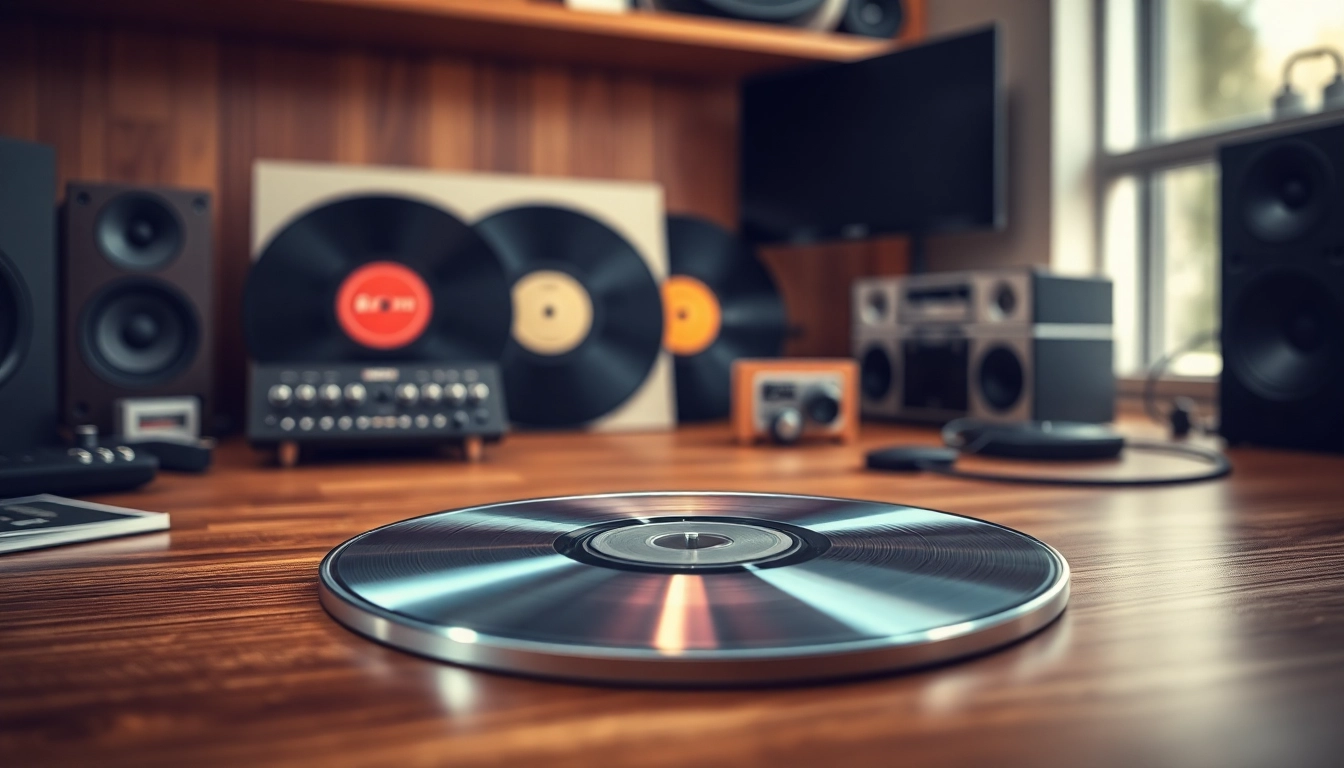
An audio cd, also referred to as a compact disc digital audio (CDDA), is a digital optical disc used to store digital audio data. It is standardized to hold approximately 74 to 80 minutes of audio, encoded in a format that maintains high-quality sound. The audio is stored in an uncompressed format, allowing for richer sound quality compared to compressed formats like MP3. This makes audio cds an excellent format for audiophiles and casual listeners alike, providing a tangible medium that offers both quality and a unique user experience.
Historical Context and Evolution
The audio cd was developed in a collaborative effort between Philips and Sony, with the first commercial release occurring in 1982. It was an innovative solution, moving away from analog formats such as vinyl records and cassette tapes, which had been the dominant audio mediums. The move to digital allowed for more convenient storage, durability, and superior sound quality. Over the years, the audio cd has undergone various iterations, including the introduction of cd-r and cd-rw discs, which allow users to record their audio onto blank discs.
With advancements in technology, the introduction of the mp3 format led to a significant decline in the popularity of audio cds, as digital downloads and streaming services gained traction. However, recent years have witnessed a resurgence of interest in physical media, including vinyl and audio cd, driven by a nostalgic connection to tangible artifacts and a desire for high-quality sound.
How Audio CDs Compare to Other Formats
When comparing an audio cd to other audio formats, it’s essential to consider several factors, including sound quality, durability, convenience, and storage capacity. Here’s a closer look at these aspects:
- Sound Quality: The audio cd offers uncompressed audio, typically at a bitrate of 1411 kbps, which delivers superior sound quality compared to mp3 files, which are often compressed to save space.
- Durability: Audio cds are more resilient than vinyl records, which can scratch easily. CDs can withstand some level of damage, but they can still be susceptible to scratches and dirt, which may affect playback.
- Convenience: While digital formats allow for immediate access to millions of songs, audio cds can be less convenient in terms of portability. However, many audio cd players have been designed to integrate with modern technology, making them more accessible.
- Storage: An audio cd typically holds more content than a cassette tape while providing faster access compared to both tape and vinyl. The physical nature of a cd also evokes a sense of ownership that digital formats lack.
Technical Specifications of Audio CDs
Storage Capacity of Audio CDs
Audio cds are standardized for significant storage capacity, which typically ranges up to 80 minutes of audio. This translates to around 700 megabytes of data. The ability to encode multiple tracks within these parameters allows artists to curate well-rounded albums, giving listeners a full musical experience without interruption. In essence, each audio cd can hold roughly 10 to 15 songs, depending on their length.
Data Encoding and Quality
Data on an audio cd is stored in a linear format using a technique called modulation. This method ensures that the digital audio data is represented accurately on the disc. The audio quality is defined not only by storage capacity but also by the sampling rate and bit depth used during the encoding process. Most audio cds utilize a 44.1 kHz sampling rate and a bit depth of 16-bits, ensuring an audio fidelity that matches the expectations of both casual listeners and audiophiles.
Playback Requirements and Compatibility
Playback of audio cds requires a cd player, which can be standalone devices, components of stereo systems, or integrated into computers. Most cd players are compatible with both standard audio cds and recordable formats like cd-r and cd-rw, making them versatile for listeners who enjoy both commercially produced music and personal compilations. Furthermore, many cd players also accommodate digital inputs, enabling users to connect various audio devices, which enhances the overall listening experience.
Creating Your Own Audio CDs
Step-by-Step Guide to CD Burning
Creating your own audio cd can be a fulfilling endeavor, allowing you to curate playlists and create custom albums. Here is a straightforward guide to burning your audio cd:
- Gather Your Audio Files: Start by collecting all the music tracks you want to include on your cd. Ensure they are in compatible formats, such as WAV or AIFF, for the best quality.
- Select a CD Burning Software: Use reliable software designed for cd burning. Some operating systems come with built-in applications, while others might require a third-party program.
- Choose Your Burn Settings: Select the disc format (audio cd), set the burning speed (typically lower speeds yield better quality), and arrange your tracks in the desired order.
- Finalize Your CD: Start the burning process. Once completed, finalize the cd to ensure that no further data can be added later. This step is crucial for compatibility with standard cd players.
- Label and Store: Properly label your newly created cd and store it in a case to protect it from scratches and damage.
Choosing the Right Equipment
The experience of creating an audio cd can be greatly enhanced by using the right equipment. Essential tools include:
- CD Burner: Ensure you have a capable cd burner compatible with both your computer and the media you plan to use.
- Media Selection: Utilize high-quality blank cd-r or cd-rw discs to ensure longevity and sound quality.
- Headphones or Speakers: Invest in quality headphones or speakers when creating music compilations to adequately hear the balance and overall quality of the recordings.
Best Practices for Audio Quality
To ensure that your homemade audio cd maintains a high standard of audio quality, consider the following best practices:
- Source Quality Files: Always select the highest quality audio files available when creating your cd to retain sound fidelity.
- Keep Volume Levels Consistent: Ensure that all tracks are adjusted to a similar volume level before burning the cd to avoid abrupt changes in sound during playback.
- Avoid Encoding Losses: If generating mp3 files, use a high bitrate (at least 320 kbps) to minimize audio loss.
Common Issues with Audio CDs
Understanding CD Damage and Wear
Audio cds can sustain various types of damage, which may affect playback quality. The most common issues include scratches, warping, and grime buildup. Each type of damage can result in skipping, distortion, or the inability to read tracks altogether. To mitigate these problems, handle cds carefully, store them upright, and regularly clean them with a soft cloth to remove dirt.
Troubleshooting Playback Problems
When facing playback issues with audio cds, consider these troubleshooting steps:
- Check the CD Player: Ensure that the cd player is functioning correctly. Test with known working discs to rule out bugs.
- Inspect the CD: Look for any physical damage on the surface of the disc. If scratches are present, consider using a cd repair kit.
- Clean the CD: Use a soft, lint-free cloth to clean the cd, wiping from the inside towards the outside edge to avoid additional scratches.
Effective CD Storage Solutions
Proper storage of audio cds is crucial for their longevity. Here are effective storage solutions:
- Use Cases: Invest in protective cases or sleeves to protect cds from dust, scratches, and environmental damage.
- Maintain a Cool Environment: Store cds in a climate-controlled environment to prevent warping or deterioration due to humidity and temperature extremes.
- Organize by Genre or Artist: Develop a systematic way to organize your collection for easy access and retrieval.
Future of Audio CDs in the Digital Age
Resurgence of Vinyl and Physical Media
Despite digital media's overwhelming dominance, physical formats are experiencing a revival—particularly vinyl records and audio cds. This resurgence can largely be attributed to a growing appreciation for the tangible aspect of music. Collectors and new listeners alike are finding joy in collecting physical media, which offers a nostalgic experience and a deeper emotional connection to the music. As vinyl records regain favor, the audio cd stands as a compelling option for those seeking a blend of both nostalgia and the conveniences of modern media.
Integrating Audio CDs with Digital Technologies
Many modern audio cd players have started integrating technology features that allow for seamless use with digital formats. Users can find cd players equipped with Bluetooth functionality or those that connect to Wi-Fi for streaming services. This blending of technology ensures that listeners can enjoy the best of both worlds—high-quality physical recordings along with the convenience of digital libraries.
The Role of Audio CDs in Collecting Music
As collecting music becomes an art form in itself, audio cds play a significant role in this culture. Many music enthusiasts prefer building their collections in a way that physical media offers a unique aesthetic. The album artwork, booklets, and the act of displaying collections on shelves add to the tactile enjoyment that digital playlists cannot replicate. Furthermore, the audio cd allows collectors to access exclusive content, live recordings, and special editions that may not be available through digital formats.
In conclusion, the audio cd remains a remarkable audio medium that balances nostalgia with modernity. As technology evolves and consumer preferences shift, audio cds continue to hold a special place in the hearts of music lovers and collectors. Whether you're creating your own audio cd or cherishing collected albums, this format offers an unparalleled music experience unlike any other.