
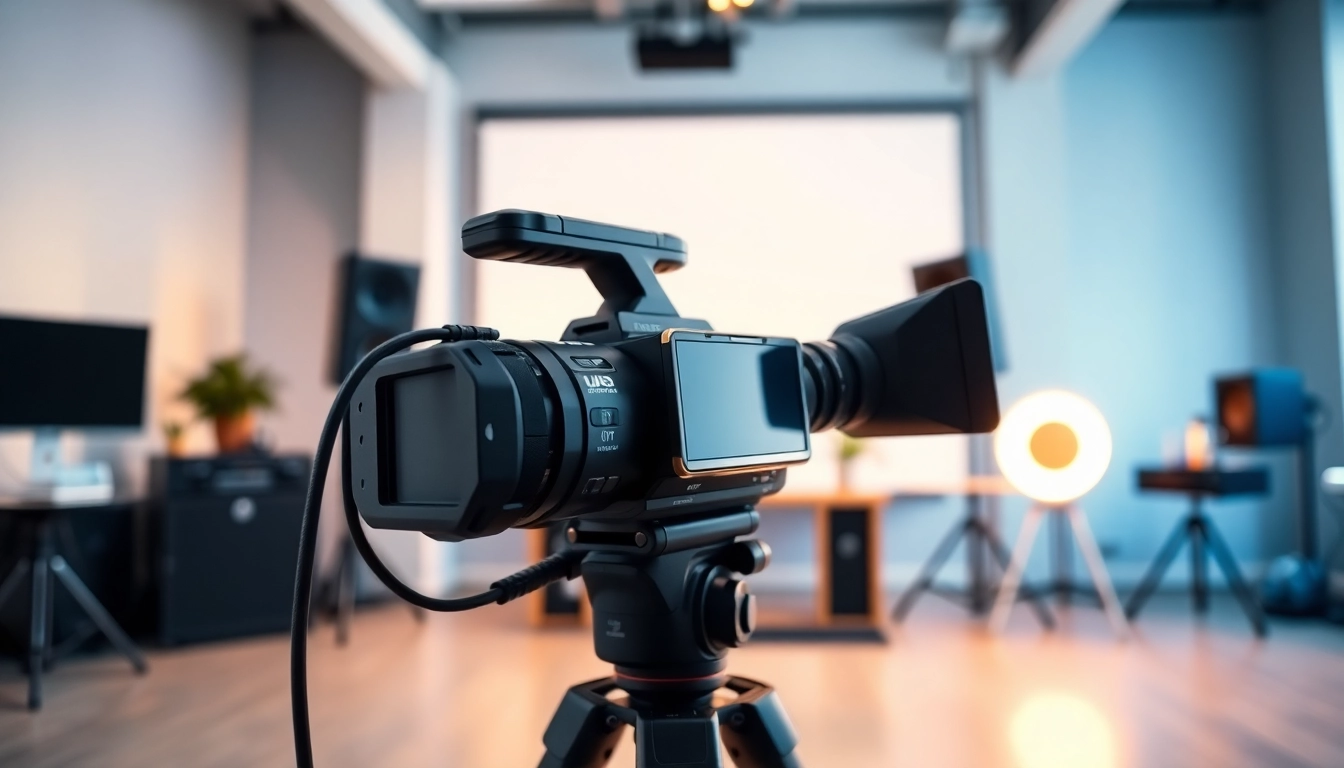
The Fundamentals of Video Capture
Video capture is an indispensable process in modern content creation, enabling enthusiasts, professionals, and businesses to convert visual content into digital formats. This process involves several technologies and devices, each integral to obtaining high-quality footage and sound. Whether you’re looking to capture memories from a family event or create professional-grade content, understanding the basics of video capture technology is essential. This article will provide a thorough overview, helping you master the art of capturing and producing video content.
Understanding Video Capture Technology
Video capture refers to the process of converting an incoming analog or digital video signal, coupled with audio, into a format suitable for computer editing, storage, and playback. The technology behind video capture has evolved significantly since its inception, driven by advancements in both hardware and software. The transition from analog formats like VHS to digital formats such as MP4 has transformed the landscape, making high-quality video more accessible than ever.
Types of Video Capture Devices
Understanding the different types of video capture devices is essential for effectively meeting your video needs. Below are various categories:
- Capture Cards: These are hardware devices that connect to a computer to digitize video signals from devices such as cameras and gaming consoles. Capture cards are essential for live streaming and recording high-quality video.
- Webcams: Simple and accessible, webcams offer features for video conferencing and casual recording. Many modern webcams provide HD quality, making them suitable for basic video content.
- Screen Capture Software: Tools like OBS Studio and Camtasia allow users to capture video directly from their computer screens. This is ideal for tutorials, presentations, and gaming videos.
- Standalone Camcorders: These dedicated video recording devices are built for capturing high-quality video. They often include advanced features such as optical zoom and stabilization.
- Smartphones: Equipped with powerful cameras and video capture capabilities, smartphones have become ubiquitous tools for video production, allowing users to shoot and edit on-the-go.
Choosing the Right Criteria for Your Video Capture Needs
When selecting a device for video capture, key criteria should guide your decision-making process:
- Quality: Look for devices that can capture in at least 1080p quality, with 4K being preferred for professional uses.
- Portability: Consider your shooting environment. If you often record on the move, lightweight and compact devices may be best.
- Ease of Use: User-friendly interfaces can save time, especially for those new to video production.
- Budget: Determine how much you’re willing to invest. Quality can range from budget-friendly options to high-end professional gear.
- Compatibility: Ensure that the video capture device works with your existing equipment, including computers, software, and any accessories.
Setting Up Your Video Capture Station
Essential Equipment for Effective Video Capture
Creating a video capture station requires more than just a camera. Essential equipment includes:
- Camera: Choose an appropriate camera for your style—DSLRs for high-quality production or action cameras for dynamic shots.
- Tripod or Stabilizer: A stable shot is crucial. Invest in tripods or gimbals to minimize shakes and ensure smooth footage.
- Microphone: Audio quality is as important as video. Use external microphones to enhance sound clarity.
- Lighting Equipment: Proper lighting improves the visual quality significantly. Softboxes, ring lights, or LED panels can help illuminate your subject effectively.
- Editing Software: Post-production software is necessary for editing and refining your videos, allowing you to add effects, transitions, and audio modifications.
Best Practices for Studio Setup
Setting up your studio space effectively can enhance both the quality of your capture and your workflow. Here are some best practices:
- Choose the Right Location: Select a quiet space with minimal distractions and ambient noise, conducive to recording.
- Soundproofing: Use carpets, curtains, or wall panels to absorb sound and reduce echo.
- Optimize Background: Ensure the background is clean and relevant to your content. Consider using backdrops for a professional look.
- Organize Cables: Properly manage cables to avoid tripping hazards and to create a neat filming environment.
Lighting Techniques for Optimal Video Capture
Lighting is a crucial element of video capture that can dramatically affect the final product. The following techniques can enhance your setup:
- Three-Point Lighting: This industry-standard setup includes a key light, fill light, and backlight to create a well-lit scene with depth.
- Natural Light: Take advantage of natural light when possible, positioning your subject near windows during daylight.
- Softening the Light: Use diffusers to soften harsh light, creating a more flattering look.
- Control Shadows: Be mindful of shadows created by lighting; adjust angles and positions as necessary to maintain clarity.
Software Solutions for Video Capture
Overview of Video Capture Software Options
Choosing the right software for video capture can streamline your workflow and enhance your output. Several popular options include:
- OBS Studio: A free-to-use, open-source option that offers extensive features for both live streaming and recording.
- Camtasia: Great for beginners, Camtasia provides screen recording and user-friendly editing tools.
- Adobe Premiere Pro: A professional-grade tool widely used in the industry, suitable for those looking to produce high-quality videos.
- Screencast-O-Matic: Perfect for screen recordings and quick edits, it’s especially good for educational content.
- NCH Debut: A free version allows you to record directly from various devices and includes basic editing tools post-capture.
Editing Software to Enhance Your Video Capture
Post-production is where your captured videos truly come to life. Effective editing software can help you refine your content significantly:
- Transitions and Effects: A variety of transitions and effects can help maintain viewer engagement and enhance storytelling.
- Audio Editing: Tools that allow for noise reduction and sound mixing can elevate the audio quality of your videos.
- Color Grading: Adjusting colors and tones helps establish the mood of your video, enhancing visual appeal.
- Export Options: Look for software that supports multiple formats for easy sharing across different platforms.
Integrating Software with Hardware for Seamless Workflow
Maximizing efficiency requires an effective sync between hardware and software. Tips for integration include:
- Compatibility Checks: Ensure that your chosen software is compatible with your hardware to avoid performance lags.
- Learn the Automation Options: Many programs offer automation features that allow you to set up presets for consistent output.
- Workflow Optimizations: Organize your files and projects for easy access, making transitions from hardware capture to software editing smooth.
Advanced Video Capture Techniques
Using Creative Angles and Movements in Video Capture
To make your videos visually compelling, implementing creative angles and movements is essential:
- Dynamic Angles: Experiment with high and low angles to create dramatic effects and visual interest.
- Movement Techniques: Utilize sliders or handheld gimbals for smooth panning and tracking shots that engage viewers.
- Zooming Techniques: Strategic zooming can emphasize an important moment but should be used sparingly to maintain professionalism.
Audio Considerations in Video Capture
High-quality audio is just as critical as video quality and requires attention to detail:
- Microphone Choice: Use directional microphones to focus on your audio source while minimizing background noise.
- Sound Checks: Consistently perform audio tests before recording to ensure clarity and that levels are appropriately set.
- Post-Production Audio Editing: Utilize software to remove unwanted noise and balance sound levels for a polished result.
Live Streaming: Real-Time Video Capture Techniques
Live streaming platforms require specific techniques to ensure a high-quality broadcast:
- Stable Internet Connection: Check your bandwidth and connection stability. A strong Wi-Fi signal is crucial for uninterrupted streaming.
- Real-Time Monitoring: Continuously monitor audio and video feeds during the live stream to catch issues immediately.
- Engagement Tools: Utilize interactive tools that allow you to engage with your audience live, making your stream more dynamic and enjoyable.
Measuring Success in Video Capture Projects
Key Performance Indicators for Video Capture
Assessing the success of your video projects involves tracking various metrics:
- View Count: Monitor how many users are viewing your videos across platforms.
- Engagement Rate: Track likes, shares, comments, and overall viewer interaction to gauge interest.
- Watch Time: Analyze how long viewers are staying engaged with your content before dropping off.
- Conversion Rates: If applicable, assess how many viewers are taking action based on your video (e.g., signing up, buying a product).
Evaluating Audience Engagement and Feedback
Understanding viewer feedback can guide future improvements:
- Conduct Surveys: Use polls or surveys to receive constructive feedback directly from your audience.
- Analyze Comments: Pay attention to viewer comments to identify what resonates and what can be improved.
- Engage with Your Audience: Foster a connection by responding to comments and suggestions—this can build viewer loyalty.
Improving Future Video Capture Endeavors
Learning from each project can lead to significant improvements in your video capture process:
- Review Recording Practices: Analyze what went well and any challenges faced during recording and editing.
- Stay Updated: Keep informed about technological advancements or software updates that could enhance your setup.
- Experiment: Don’t hesitate to try new techniques and equipment. Innovation often leads to discovery and improvement.